
See all EdgeRent features in one place
This page lists the operational capabilities already available in the platform so rental companies can evaluate the full scope beyond headline pricing bullets.
45+
Operational features
7
Feature groups
3
Supported languages
Operational outcome
More than a booking website
Less manual work across bookings and handoffs
More control over fleet, billing, and closeout
A more professional operating stack for growth
Includes
8
listed capabilities
Booking website
Public booking flow for direct reservations.
Live availability
Availability-aware booking flow tied to the active fleet.
Reservation calendar
Operational calendar visibility for booking activity.
Instant booking capture
Structured reservation intake instead of chat-based requests.
Multilingual booking flow
Public website support for English, Dutch, and Spanish.
Discount codes
Promotional and operational discount handling inside bookings.
Extras and add-ons
Daily or flat extras attached directly to reservations.
Customer reviews collection
Verified booking-based review submission flow.
Includes
8
listed capabilities
Fleet dashboard
Operational view of vehicles and current status.
Vehicle management
Create, edit, and manage individual vehicles.
Vehicle categories
Group vehicles by class, rate, and configuration.
Vehicle feature catalog
Maintain reusable feature definitions across categories.
Availability blockouts
Block vehicles for maintenance, repairs, or manual holds.
Pickup and dropoff locations
Manage operational locations for handoff workflows.
Vehicle status tracking
Track availability, active rental use, and maintenance state.
Overlap protection
Availability logic built to prevent double bookings.
Includes
8
listed capabilities
Digital rental agreements
Structured digital agreement workflow tied to bookings.
Driver license upload
Upload flow for customer license documents.
Additional drivers
Store and manage extra authorized drivers on a booking.
Pickup checklist
Operational pickup check-in with structured checklist data.
Return checklist
Operational return check-in with structured closeout data.
Inspection photos
Attach visual evidence to pickup and return condition checks.
Odometer and fuel logging
Capture vehicle handoff condition details accurately.
Closeout charges
Apply late return, fuel shortage, and damage charges during closeout.
Includes
8
listed capabilities
Payment tracking
Track booking payment state and collection status.
Invoices and sales receipts
Issue billing documents from operational booking records.
QuickBooks Online linking
Connect booking billing workflows to QuickBooks Online.
Zoho Invoice linking
Connect booking billing workflows to Zoho Invoice.
Unpaid invoice visibility
Track unpaid bookings from the admin side.
Revenue dashboard metrics
Monitor revenue today, this month, and average booking value.
Utilization reporting
Track occupancy and usage trends across the fleet.
Partner rental profitability
Track income, expense, and profit for externally supplied rentals.
Includes
8
listed capabilities
Staff accounts
Create and manage admin users for the operation.
Role-based access
Control what ROOT, OWNER, and STAFF users can access.
Customer management
View and manage customer records inside admin workflows.
Notifications center
Central place for operational notification handling.
Audit logs
Record admin-side operational actions for traceability.
Review moderation
Approve or hide incoming customer reviews before publication.
Booking lifecycle controls
Confirm, decline, invoice, deliver, and close out from one record.
Admin help center
Built-in operational documentation inside the product.
Includes
6
listed capabilities
Maintenance records
Store repair and service history per vehicle.
Service templates and types
Support for small, big, repair, inspection prep, and custom service flows.
Insurance expiry tracking
Monitor upcoming insurance deadlines per vehicle.
Inspection expiry tracking
Monitor inspection compliance across the fleet.
Due soon and overdue alerts
Highlight maintenance and compliance issues that need action.
Inventory and parts visibility
Track active parts and stock levels tied to maintenance operations.
Includes
6
listed capabilities
Automation engine
Run configurable rules tied to booking lifecycle events.
Customer communication triggers
Automate parts of customer messaging based on operational events.
Internal alerts
Trigger internal notifications from booking and workflow activity.
Execution logs
Track automation execution counts and activity.
Help assistant
In-app assistant grounded in current help center documentation.
Operational support foundation
Platform structure designed for serious rental workflows, not brochure sites.
A platform view that looks ready for real teams
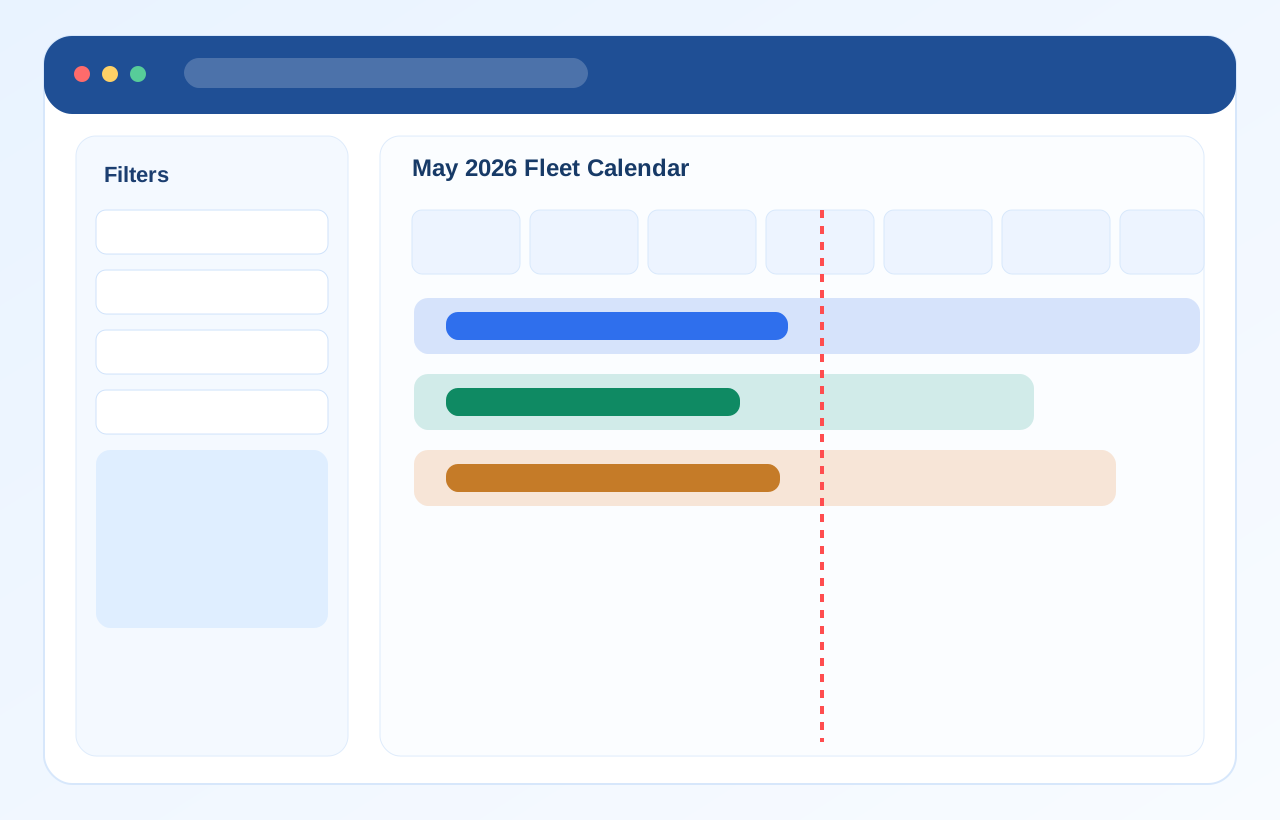
These product previews show the kind of workflow visibility operators expect from serious rental software.
Daily reservation flow with visibility across pickups, returns, and booking overlap protection.
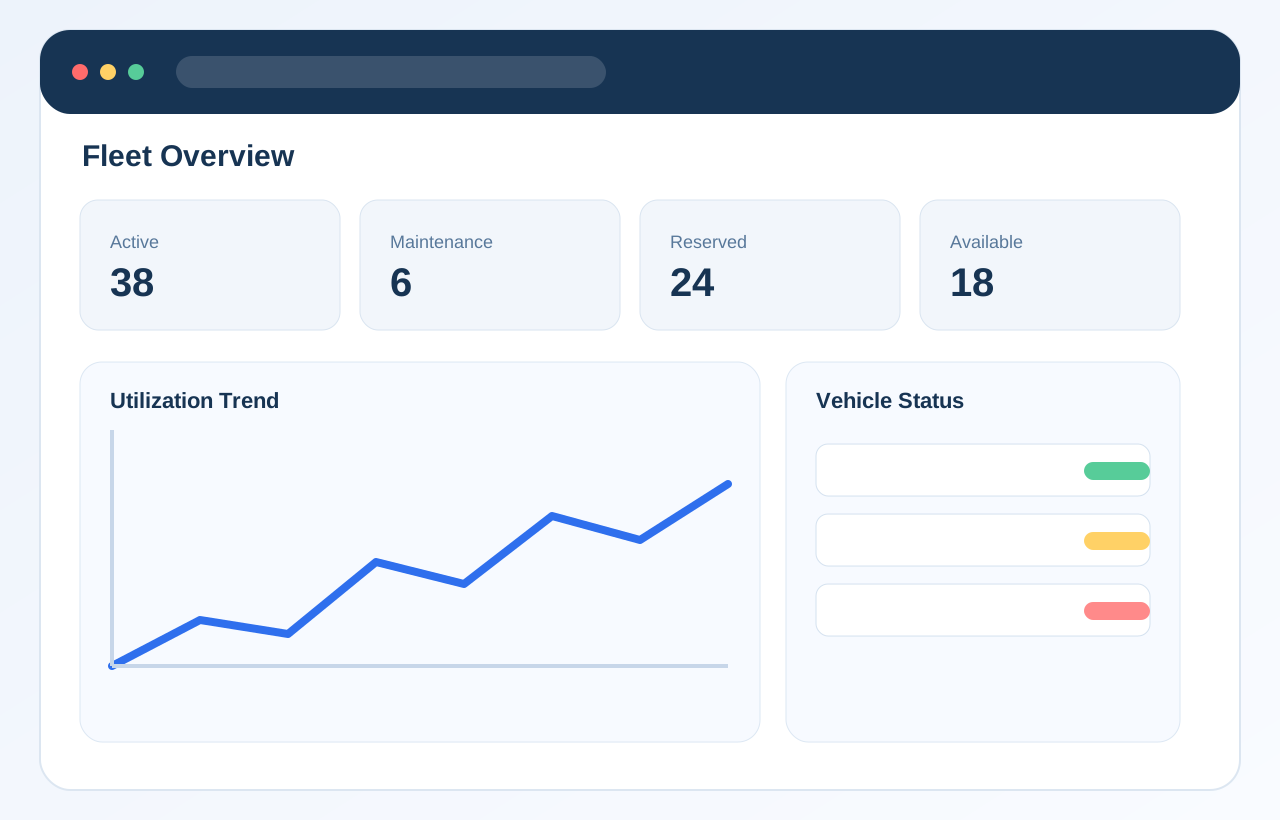
Structured fleet oversight with vehicle status, maintenance awareness, and utilization context.
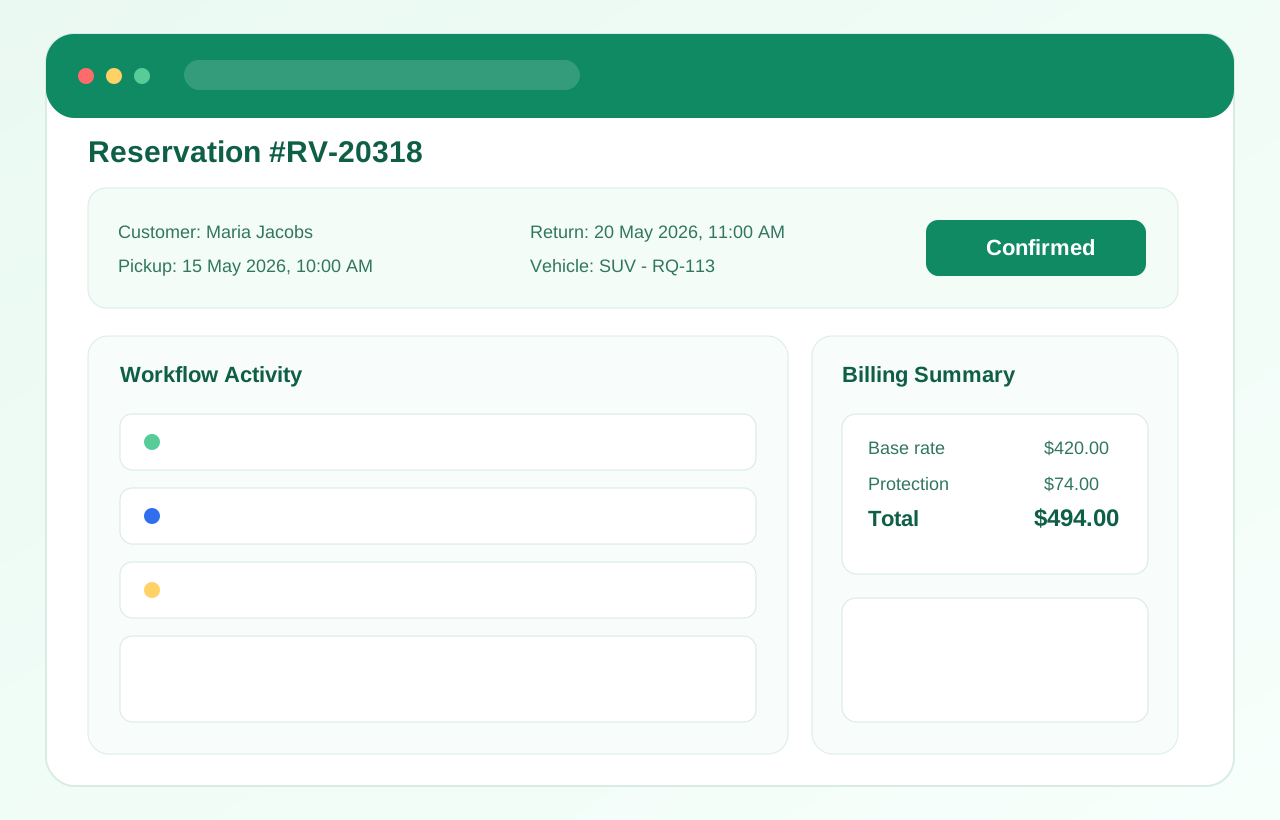
One operational record for customer details, billing state, agreements, notes, and workflow actions.
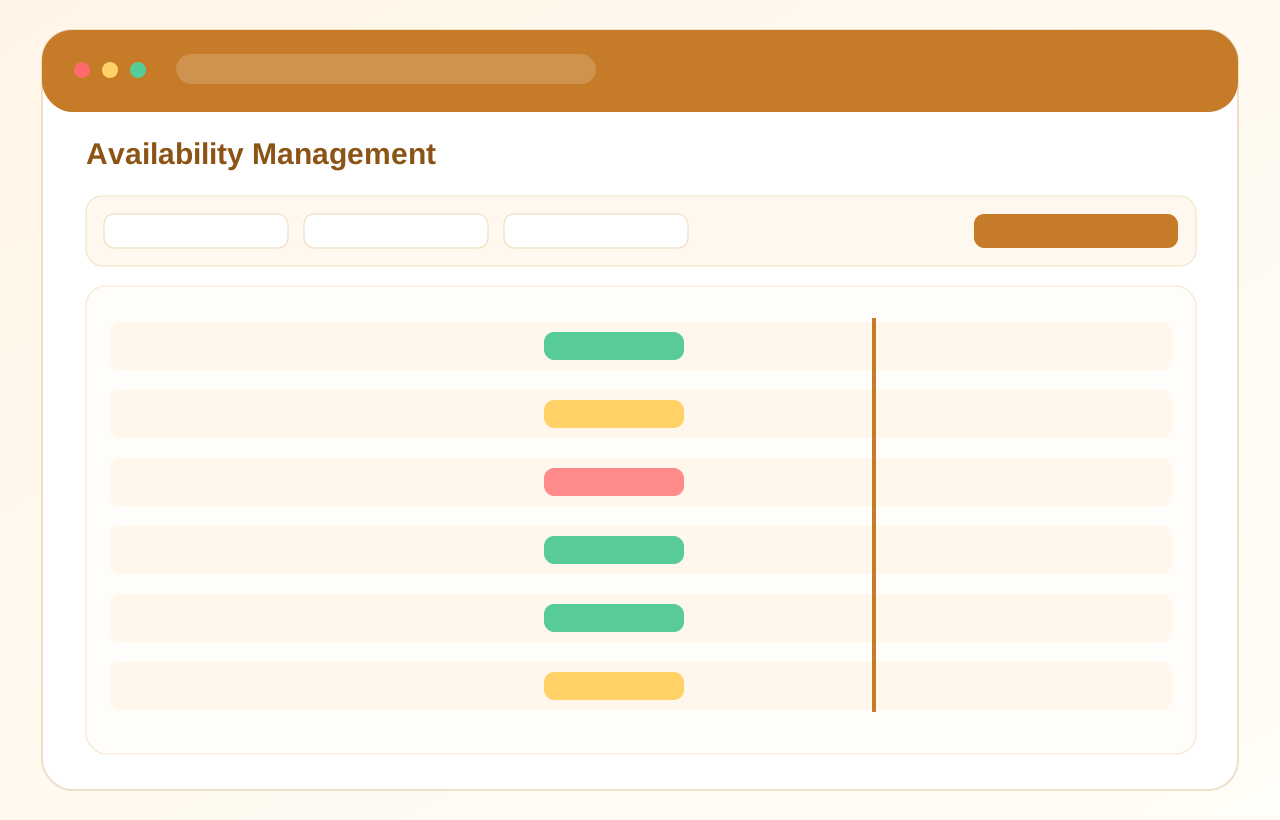
Clear visibility into active fleet capacity, planned holds, and scheduling pressure.
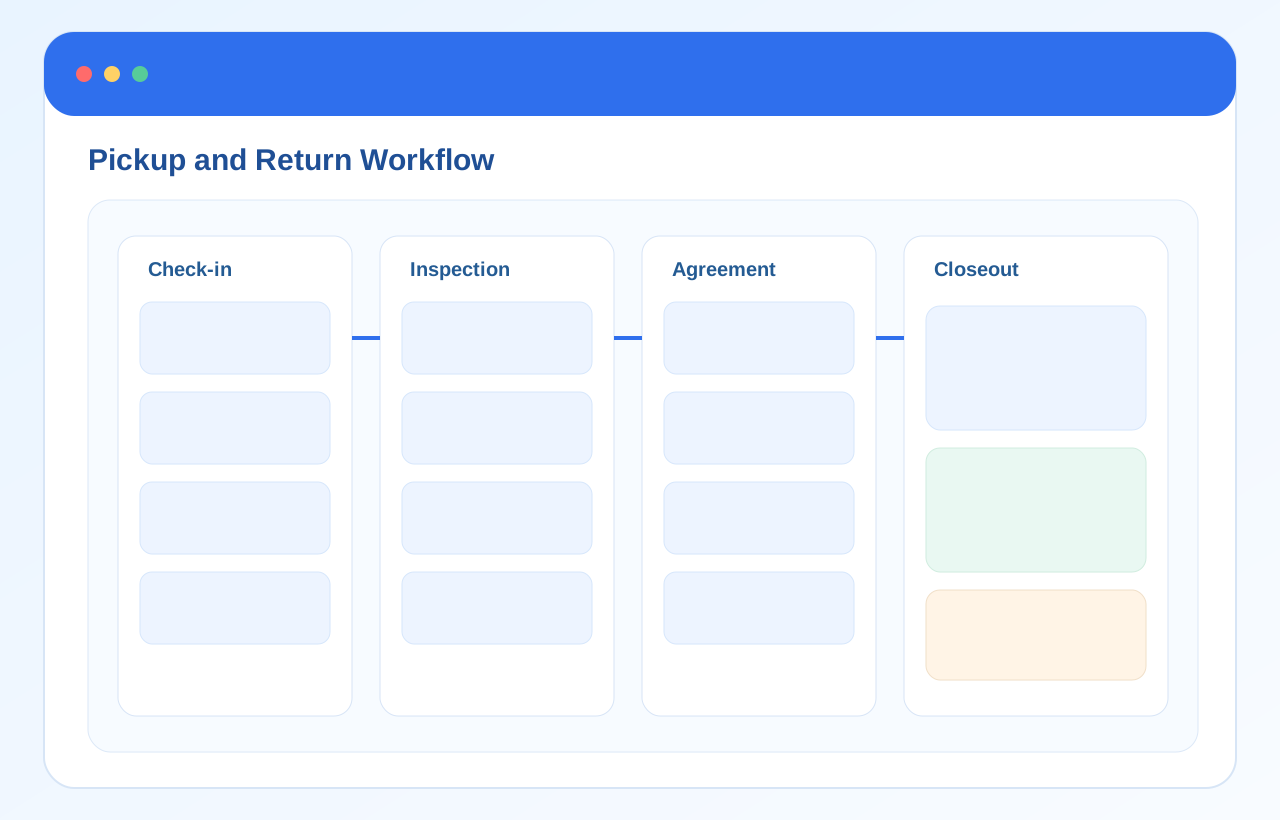
Condition checks, acceptance steps, and closeout actions built into the rental lifecycle.
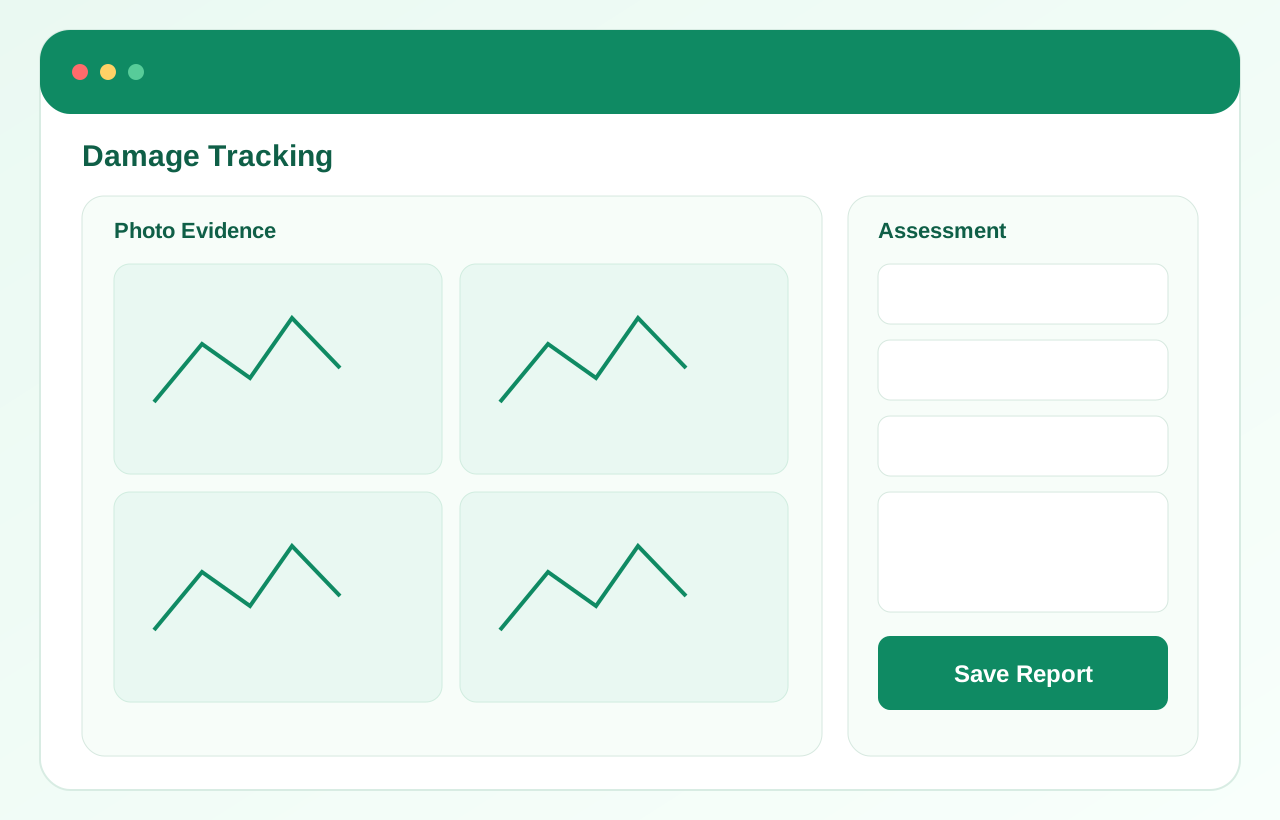
Return-side photo capture, notes, and charge recording for operational clarity.
Secure cloud hosting
The platform runs on managed cloud infrastructure so operators are not maintaining servers themselves.
Automated backups
Operational data can be backed up as part of the deployment approach to reduce risk around critical records.
Role-based access control
Admin access is organized by role so sensitive workflows are not open to every team member.
Encrypted communication
Web traffic and authenticated sessions are handled over secure transport.
Operational monitoring
The platform can be monitored for production issues, failed workflows, and deployment-side operational health.
Scalable deployment architecture
EdgeRent is positioned to support growth from smaller fleets into more complex, multi-user operations.
Why EdgeRent looks different from manual or generic setups
The goal is not only to publish a booking form. It is to run daily rental operations with less friction and better control.
| Manual workflows | Spreadsheet management | Generic booking plugins | EdgeRent | |
|---|---|---|---|---|
| Online bookings | Limited | Partial | Yes | Yes |
| Fleet availability tracking | Manual | Manual | Basic | Structured |
| Reservation management | Scattered | Fragmented | Limited | Centralized |
| Digital agreements | No | No | Sometimes | Included |
| Staff accounts | No | No | Limited | Included |
| Reporting | Manual | Manual | Basic | Operational |
| Mobile access | Ad hoc | Limited | Varies | Included |
| Multi-language support | No | No | Often limited | Included |
| Centralized operations | No | No | Partial | Yes |
Documentation that supports the operating team after launch
A serious SaaS platform should make onboarding, staff handover, and daily support easier after implementation.
Setup basics, launch steps, and first-day operator guidance.
Open previewHow staff work through bookings, confirmations, and closeout actions.
Open previewCategories, vehicle structure, availability rules, and blockouts.
Open previewRates, discounts, extras, and operational pricing setup.
Open previewRole-based access and internal control across the admin side.
Open previewDeployment, hosting, multilingual setup, and support expectations.
Open previewEdgeRent Lite
Need the shorter sales version?
Go back to pricing for the commercial summary by fleet size, or request a demo to review which capabilities fit your operation best.
Commercial summary by fleet size
Guided demo based on your real operation